This course will explore the more advanced features of the trade and inventory modules within your system. You will learn to distinguish between basic inventory and warehouse management systems (WMS). Discover how to activate additional inventory features and understand the broader functionalities available. Each of these features will be explained in terms of how they can assist you in your daily tasks. You'll also gain insights on how to effectively manage purchasing, sales, and inventory. Before attending this course, we recommend enrolling onto the Trade & Inventory 101 to acquire the basics of the trading cycle.
To ensure fair access to our free training courses, we limit attendance to 2 people per company per course. You are welcome to register additional attendees, and if spaces become available, we will contact you to offer any extra places. If you have questions, contact us at: Digitaltraining@node4.co.uk.
10:00 Welcome & Introduction
10:15 Basic Inventory Overview
11:00 Inventory Journals
11:00 Stock Count
11:00 Trade Features
12:45 Summary & Questions
You will receive a confirmation email shortly
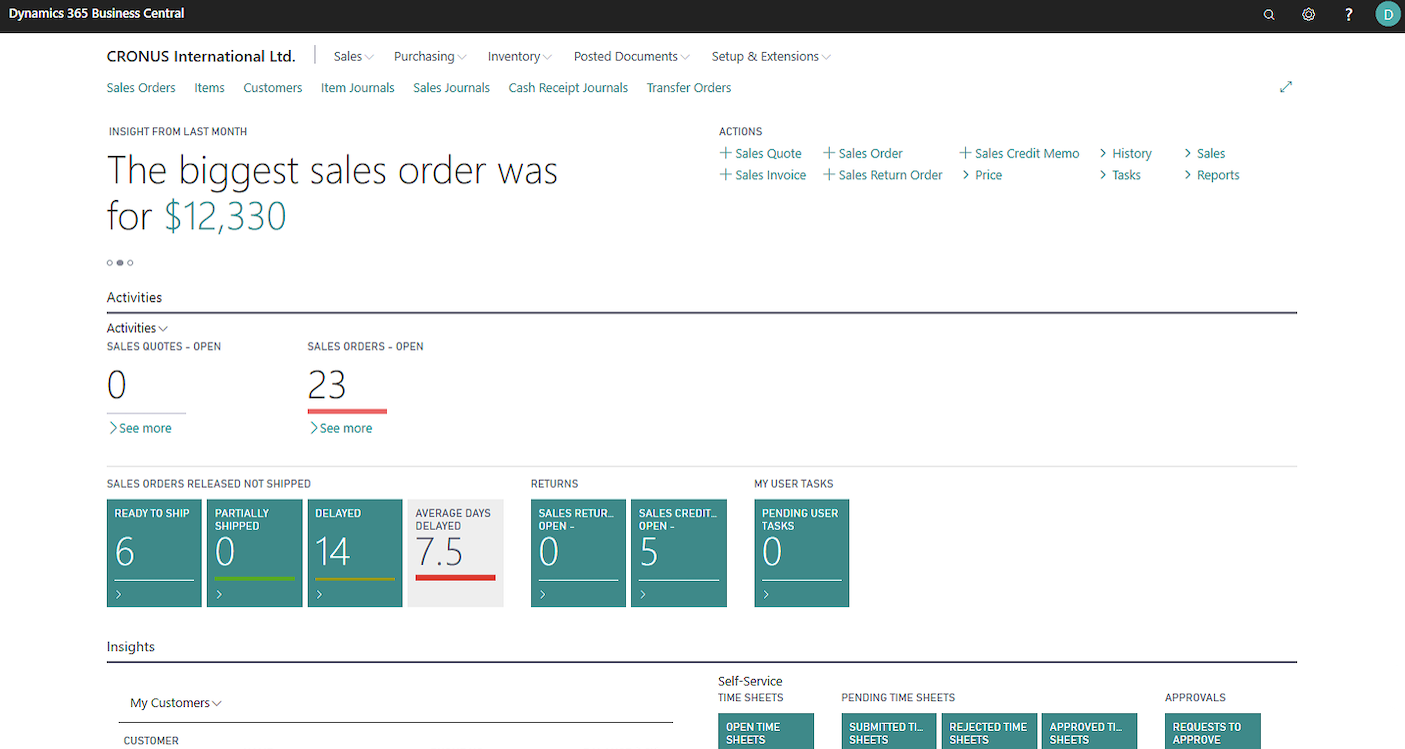
If you’re using Business Central, you will see a screen like this:
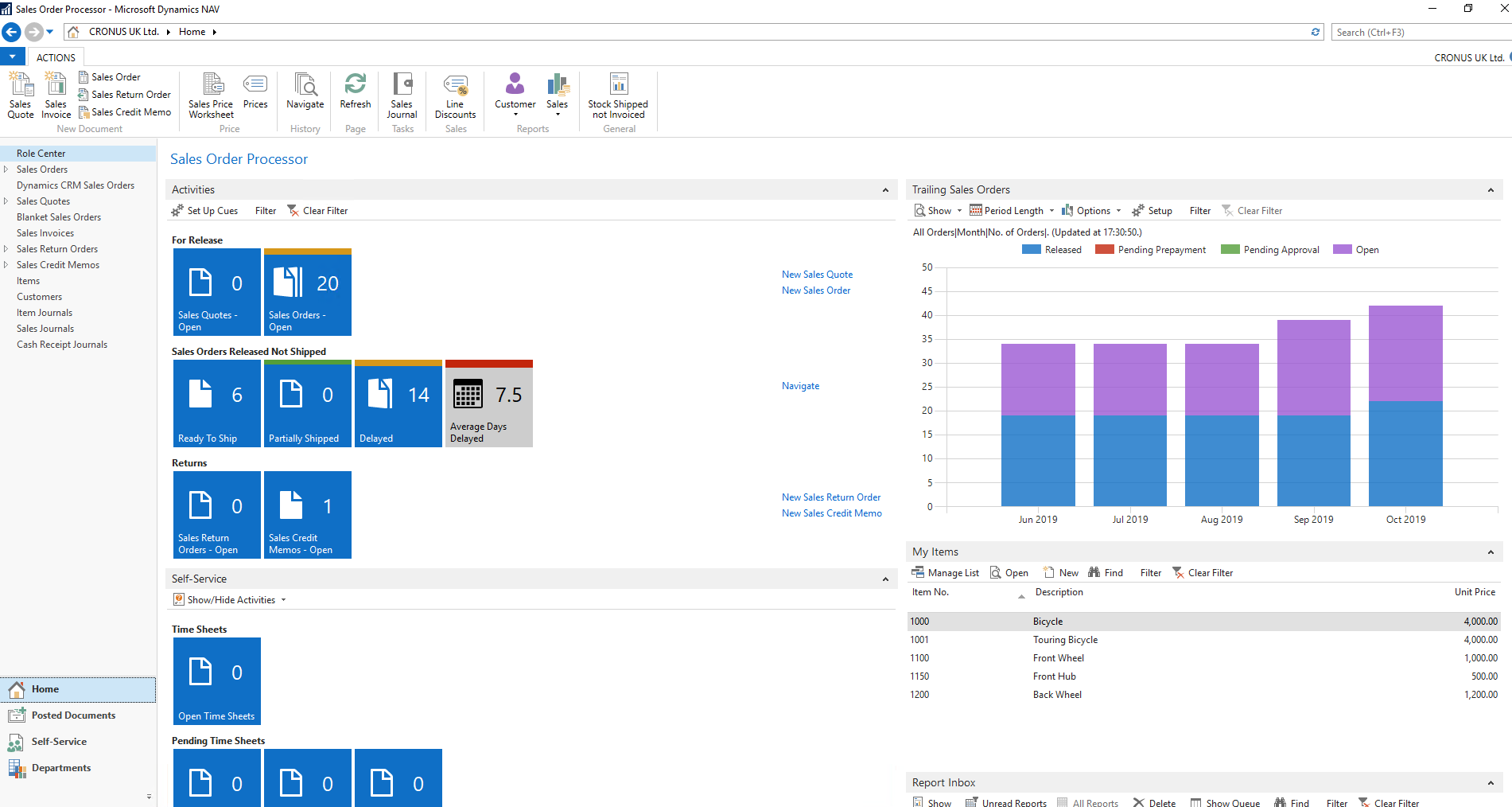
If you have an RTC version of NAV it will look something like this (with panels and tiles):
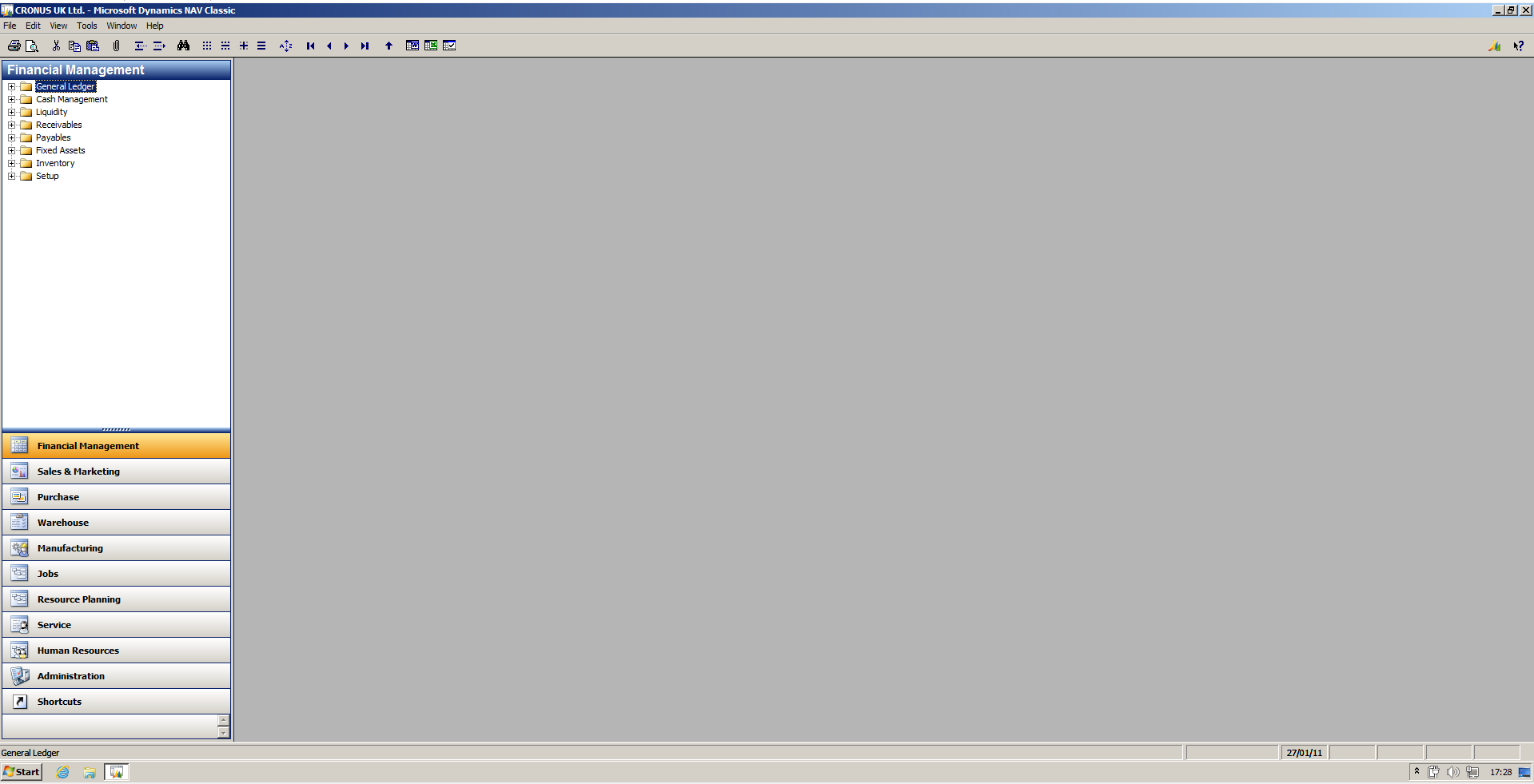
If you have a Classic version of NAV it will look something like this (without panels and tiles):
Sign up to our newsletter to keep up to date with our latest news and events.
SIGN UP© Copyright The NAV | 365 People 2025