Dynamics 365 Business Central - Warehousing 101 Training

Duration
1 Day (10:00 - 16:00 GTM)
Cost
FREE
Location
Virtual Classroom
Dates
See course booking form below
Course Overview

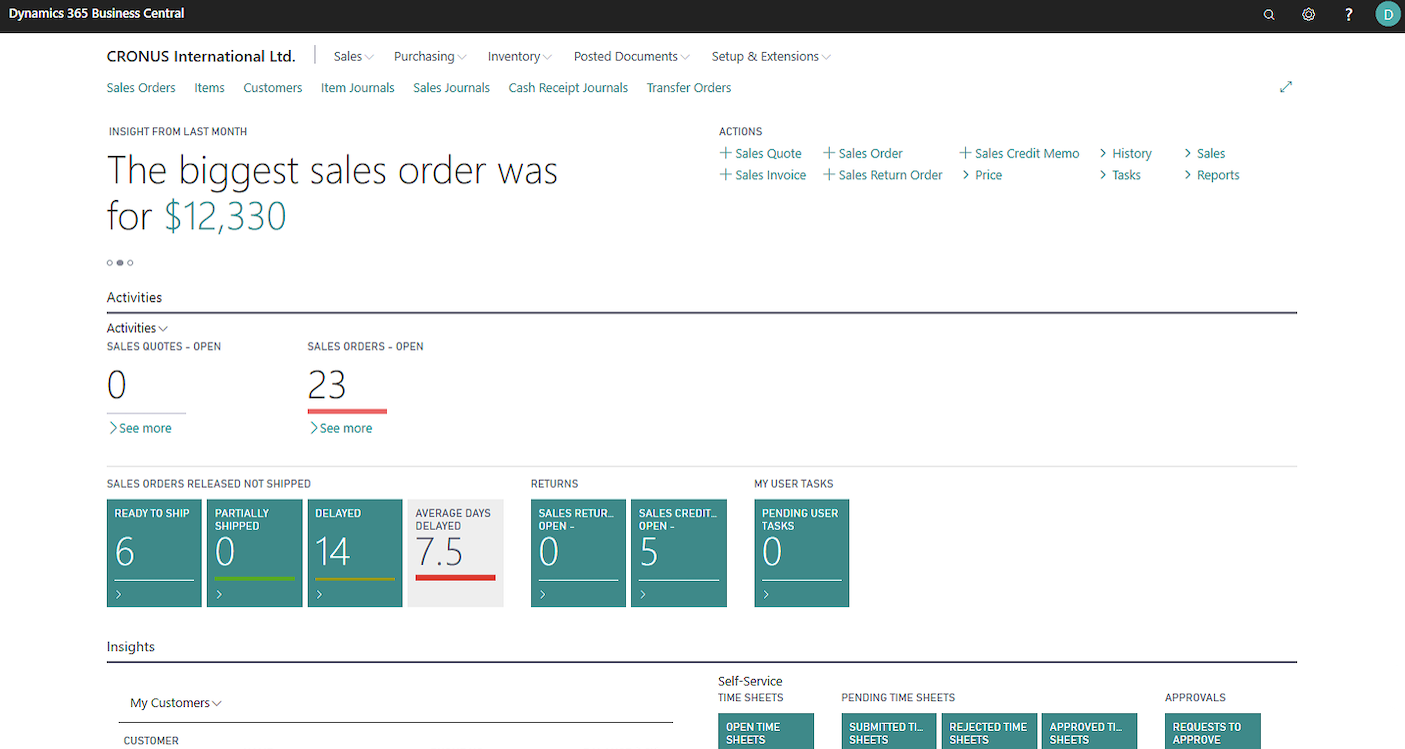
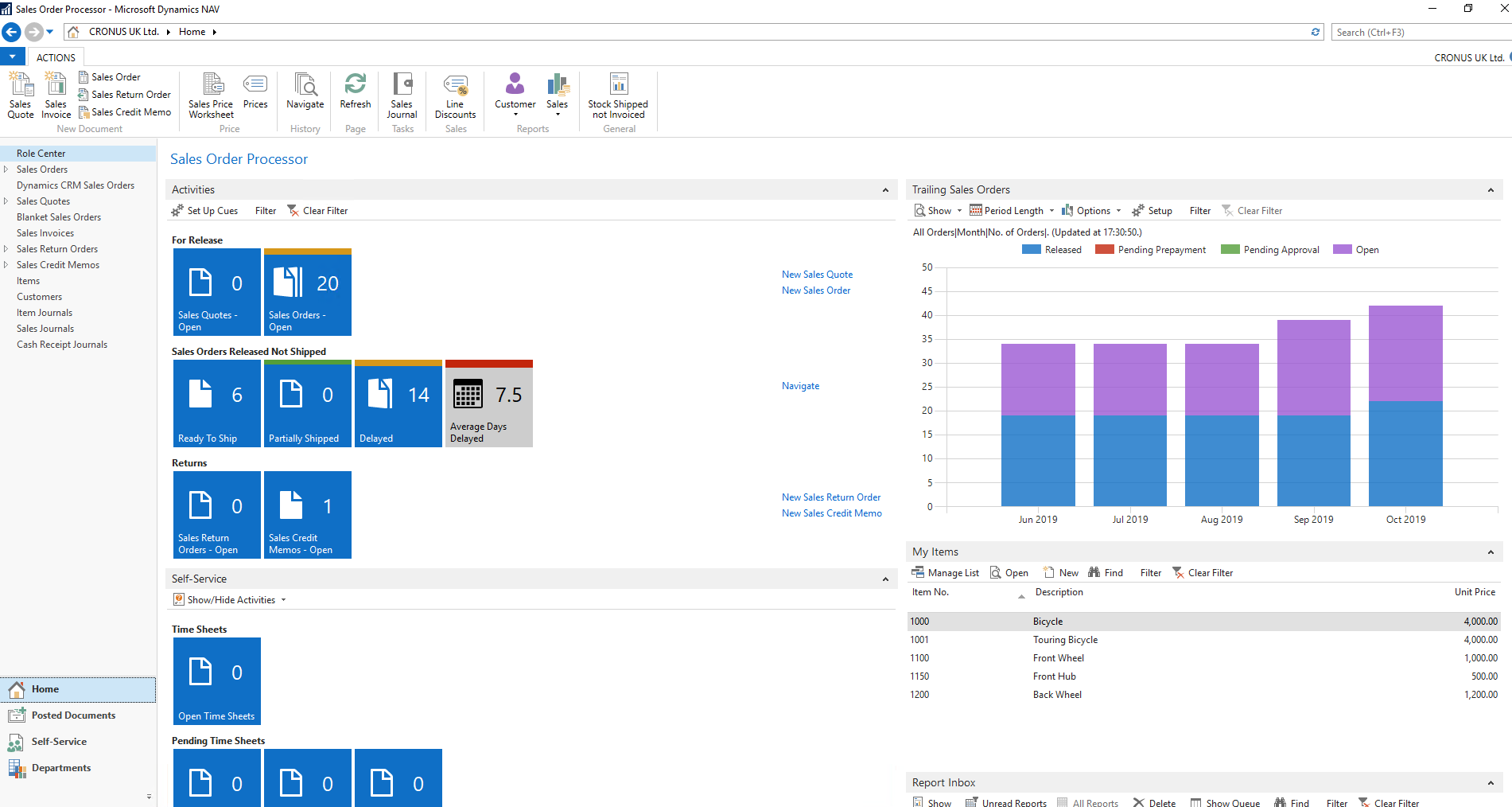
Designed to help warehouse managers understand the capabilities of the warehouse module in Dynamics 365 Business Central and its uses, this course covers warehouse set up, consignments, creating shipments, processing picks and much more!

To ensure fair access to attend our free Dynamics 365 Business Central training on the warehouse module, we limit attendance to 2 people per company per course. You are welcome to register additional attendees, and if spaces become available, we will contact you to offer any extra places. If you have questions, contact us at: Digitaltraining@node4.co.uk.

To get the most of your free training you should come along to this only if you have attended our Dynamics 365 Business Central Introduction in a Day or have at least 6 months experience with Dynamics NAV and Dynamics 365 Business Central.

Agenda

10:00 Welcome & Introduction

10:15 Warehouse Overview

  • Locations
  • Zones
  • Bins 

13:30 Purchasing

  • Receipts
  • Put Aways

13:30 Shipping

  • Shipments
  • Picks

12:30 Lunch Break

13:30 Inventory Overview 

  • Inventory Card
  • Item Journal
  • Inventory Valuation

13:30 Stock

  • Movement Worksheet
  • Item Reclassification Journal
  • Transfer Orders
  • Physical Inventory Journal
  • Cycle Counting

16:00 Summary & Questions

View available dates and book a place here:

1. Select Type Not sure what NAV type you have

BC

2. Select a location:

Virtual Classroom

3. Select a date:Select location to view available dates...